Getting started
Ten minutes once, and from then on a look is waiting every morning.
- 1
Sign in
Type the email your invite came to, and you get a sign-in code by email. No password. No code? Peek in promotions and spam.
- 2
Put me on your home screen
On iPhone: open in Safari, tap the Share button, then “Add to Home Screen.” On Android: in Chrome, the three-dot menu, “Add to Home screen.” From now on Closette opens like an app.
- 3
A short quiz
A few minutes on your style, sizes and colors. You can skip any step and finish it later from your profile.
- 4
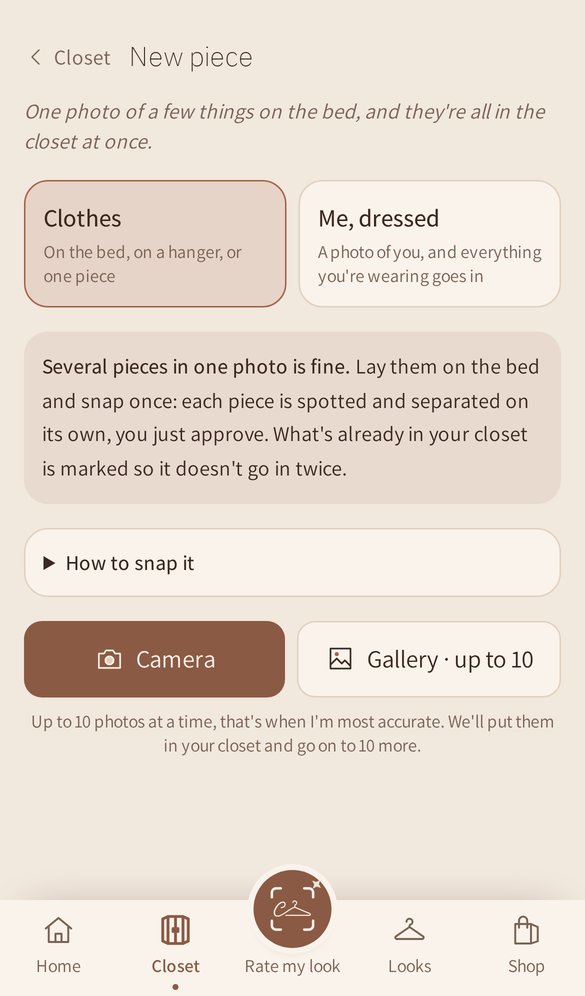
Snap your closet
Lay a few pieces on the bed and snap once: I spot and split every item myself, and you just confirm. Your 10 favorite pieces are enough to start.
- 5
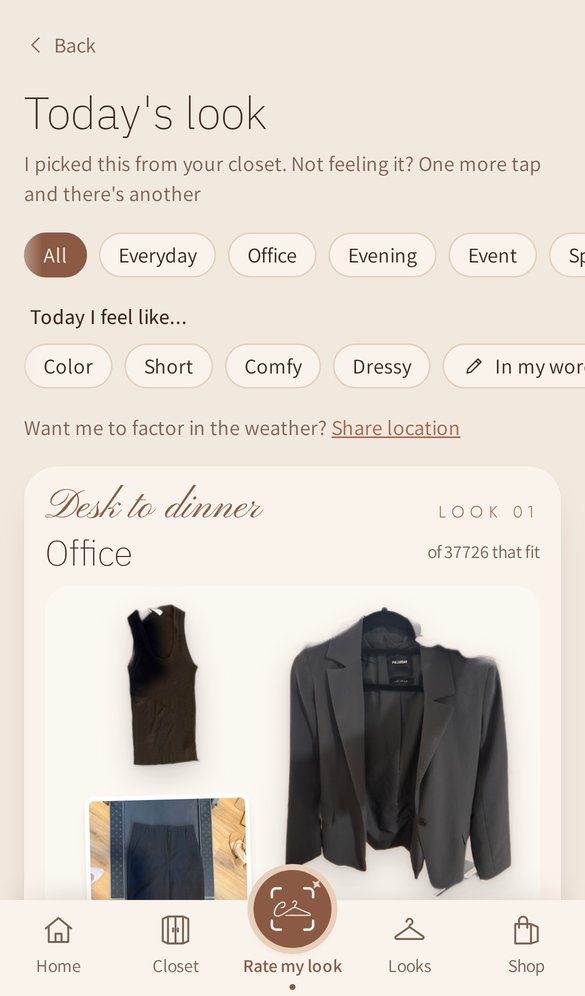
Every morning: today's look
The round button in the middle. A look from your clothes, for the weather. Not feeling it? “Another look.” Want something specific? “Today I feel like...”
- 6
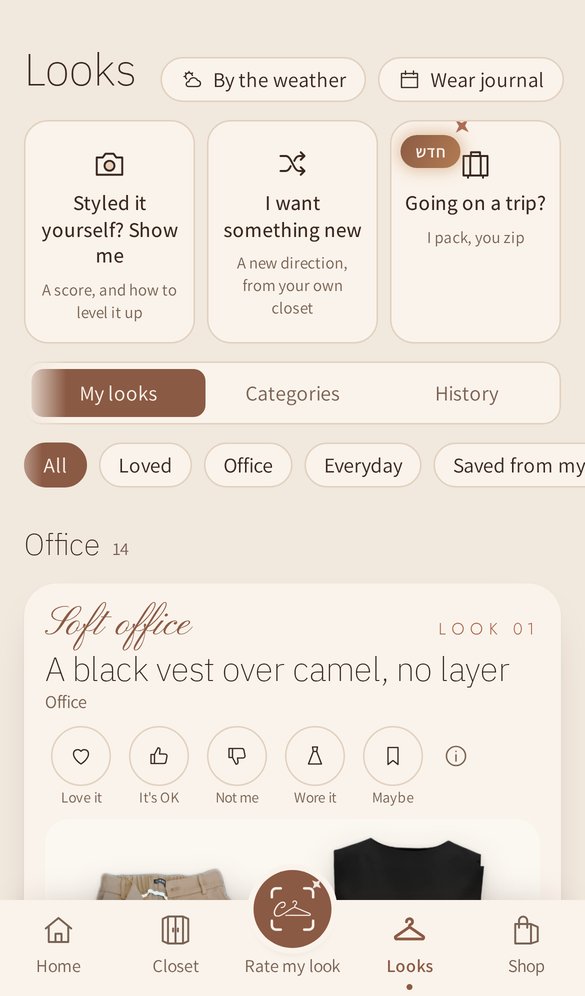
Rate
“Love it,” “It's OK” or “Not me” on every look. That's how I learn your taste, and the looks get better day by day.
- 7
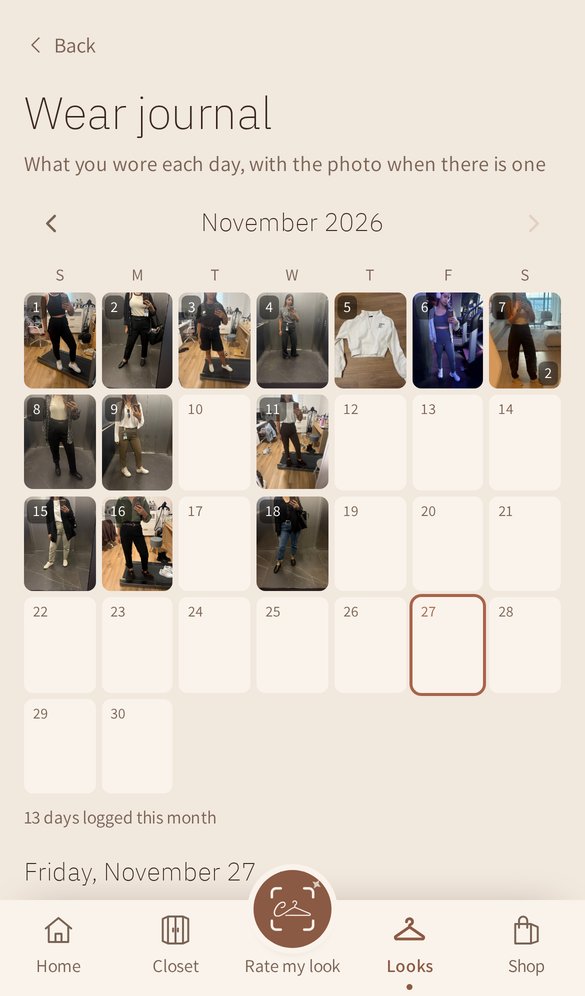
And more
A journal of what you wore, looks for events, a shopping list of what's really missing, and honest notes on a look you snapped.
Something not working?
I can't sign in
Sign in with the same email the invite was sent to. If the email isn't on the invite list, sign-in won't work. Write to us and we'll add it.
The code isn't arriving
Wait a minute and check promotions and spam. You can ask for a new code, and the latest one is the one that works.
A photo didn't upload or a piece was spotted wrong
You can edit any piece: name, type, color. A photo on a light background in daylight works best.
The looks don't suit me
Rate “Not me” and say why, and add your own rules in your profile (like “no heels”). The more pieces in your closet, the better the looks.
I'd love to hear from you
Closette is in a trial run, and every note helps. In the app: Profile → “Feedback for Closette.” Or by email: clossete.style@gmail.com
Send feedback